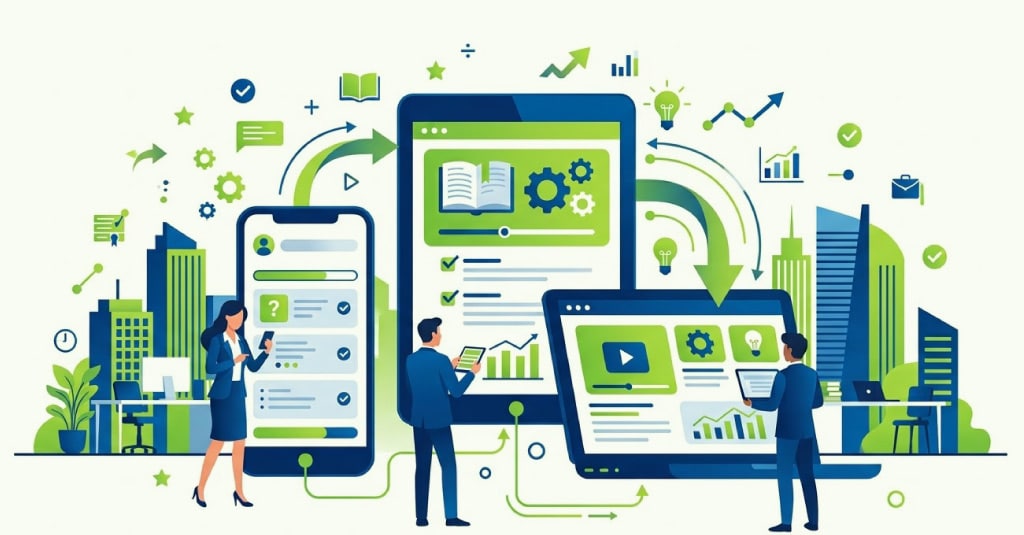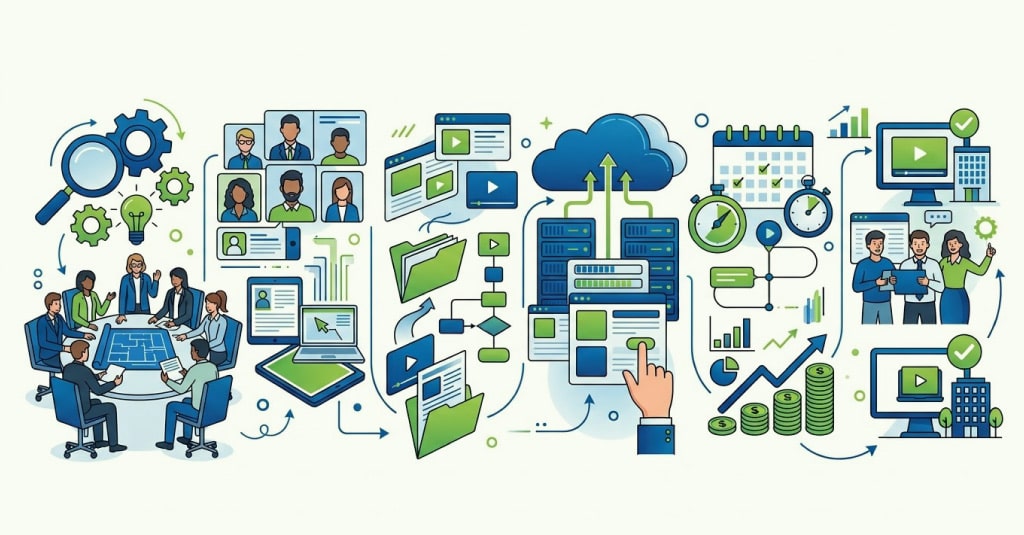





Mobile learning solutions are helping organizations train frontline employees where work actually happens. Whether teams are on the shop floor, in retail stores, field locations, healthcare settings, or customer-facing environments, mobile learning makes training accessible, faster to consume, and easier to apply. When designed correctly, it supports continuous skill development without disrupting productivity.

Mobile Learning Solutions for Frontline Workforce Development
Organizations spend millions on training programs every year. Yet many frontline employees still struggle to access learning when they need it most.
The challenge isn’t always the quality of training. It’s often the format. Traditional learning approaches assume employees have time, desktops, and uninterrupted focus. Frontline workers rarely have any of those.
Research from multiple workplace learning studies consistently shows that employees are more likely to complete learning when it is available in short, accessible formats that fit naturally into their workday.
That’s why mobile learning has become a critical part of modern workforce development strategies. But simply shrinking a desktop course onto a smartphone screen isn’t enough.
Effective mobile learning requires a different mindset, a different design approach, and a deep understanding of how frontline teams actually learn. This article explores what works, what doesn’t, and how organizations can design mobile learning programs that deliver measurable business impact.

How Frontline Teams Learn Through Mobile Learning
Frontline employees operate in environments that are fast-paced, unpredictable, and highly task-oriented. Learning often happens between customer interactions, during shift changes, while traveling, or immediately before performing a task.
This changes everything about how training should be designed.
Instead of expecting employees to dedicate an hour to learning, organizations need to think in minutes. Instead of knowledge-heavy content, they need practical guidance that supports performance in the moment.
Key realities of frontline learning include:
- Limited uninterrupted learning time
- Learning often happens during work, not outside work
- High reliance on mobile devices over desktops
- Strong preference for practical, job-specific content
- Need for immediate application of knowledge
- Frequent workforce turnover requiring rapid onboarding
When learning aligns with these realities, adoption rates tend to increase significantly.

Mobile First vs Mobile Friendly Learning Solutions
Many organizations believe they have mobile learning because their LMS opens on a smartphone.
That’s mobile-friendly.
Mobile-first learning is something entirely different.
A mobile-first approach starts by designing for the smartphone experience from day one. Every interaction, screen, activity, and assessment is built specifically for smaller screens and shorter attention spans.
The distinction matters because user behavior changes dramatically on mobile devices.
Key differences include:
Mobile-Friendly Learning
- Desktop course adapted for mobile viewing
- Longer content blocks
- Navigation designed primarily for larger screens
- Higher cognitive load
- Often slower completion rates
Mobile-First Learning
- Designed specifically for smartphones
- Short learning journeys
- Touch-based interactions
- Faster content consumption
- Better engagement and completion rates
Organizations investing in custom eLearning development increasingly prioritize mobile-first design because that’s where learners already are.

Mobile Microlearning for Employees with Short Attention Windows
Frontline workers rarely have 30 uninterrupted minutes available for learning.
What they often have is three minutes. Maybe five.
That’s where mobile microlearning becomes incredibly valuable.
The goal isn’t simply making content shorter. The goal is making every minute meaningful. Each learning experience should focus on one clear objective and one specific outcome.
Effective microlearning for employees often includes:
- Short videos under three minutes
- Scenario-based interactions
- Product knowledge refreshers
- Job aids and performance support tools
- Quick quizzes and knowledge checks
- Interactive decision-making exercises
The most successful organizations think of learning as a series of small moments rather than a single event.
A strong bite-sized learning platform allows employees to continuously build capability without feeling overwhelmed.

When to Push Learning and When to Let Teams Access It
One of the biggest design decisions in mobile learning is determining how content reaches learners.
Should training be pushed to employees automatically? Or should they pull it when needed?
The answer is usually both.
Different learning objectives require different delivery strategies.
Push learning works well for:
- Compliance updates
- Product launches
- Policy changes
- Mandatory certifications
- Safety alerts
Pull learning works well for:
- Performance support
- Knowledge refreshers
- Sales enablement
- Troubleshooting guidance
- Just-in-time learning
Organizations implementing corporate training for employees often combine both approaches to create a balanced learning ecosystem.
The goal is to provide learning exactly when it creates the most value.

Building for Offline Access and Different Devices
Not every frontline employee works in environments with reliable internet connectivity.
Field technicians, manufacturing workers, healthcare professionals, logistics teams, and remote employees often experience connectivity challenges.
If learning depends entirely on a stable internet connection, adoption can suffer quickly.
Effective mobile learning solutions should support:
- Offline learning access
- Automatic progress synchronization
- Multiple device compatibility
- Android and iOS optimization
- Low-bandwidth experiences
- Secure content delivery
Device diversity is another important consideration.
Frontline workforces often use a mix of company-issued devices and personal smartphones. Learning experiences must function consistently across both.
This is where strong eLearning content development practices become critical.

How AI Enhances Custom eLearning Solutions
There’s a lot of discussion around AI in workplace learning right now.
Some of it is useful. Some of it is hype.
The reality sits somewhere in the middle.
AI in mobile learning and eLearning can help organizations create more personalized and responsive learning experiences. But it doesn’t replace instructional design, subject matter expertise, or business context.
Areas where AI can help include:
- Personalized content recommendations
- Learning path customization
- Automated content tagging
- Rapid content updates
- Intelligent search capabilities
- Adaptive assessments
AI can also accelerate aspects of custom eLearning solutions development by reducing manual effort during content creation and maintenance.
However, judgment-based skills, leadership development, customer interactions, and culture-building still require human-centered learning design.
Technology can support learning. It cannot replace meaningful learning experiences.

Making Mobile Learning Work Across Languages
Large enterprises often operate across multiple countries, regions, and languages.
A mobile learning strategy that works in one market may fail in another if localization isn’t considered.
Language is only one part of the equation.
Cultural context matters just as much.
Effective multilingual mobile learning includes:
- Native-language content
- Region-specific examples
- Local regulatory references
- Culturally relevant scenarios
- Voiceover localization
- Accessible mobile design standards
Organizations operating across global markets increasingly rely on custom eLearning solutions that balance consistency with local relevance.
This becomes particularly important across North America, Europe, APAC, the Middle East, and Latin America.

Measuring Learning Impact for Frontline Teams
Completion rates are useful.
But they don’t tell the whole story.
The real question is whether learning improves performance.
Organizations should connect learning metrics to business outcomes wherever possible.
Important measures include:
- Time-to-productivity
- Error reduction
- Sales performance
- Safety incidents
- Customer satisfaction scores
- Operational efficiency improvements
- Compliance adherence rates
The strongest mobile learning programs combine learning analytics with operational data.
This provides a much clearer picture of whether learning is creating measurable business value.
For organizations using blended learning, gamified eLearning, and mobile learning together, measurement becomes even more important because multiple interventions contribute to outcomes.

Key Takeaways and Conclusion
Frontline employees learn differently from office-based workers.
They need learning that is accessible, practical, relevant, and available at the moment of need.
Successful mobile learning strategies focus on real-world work conditions rather than traditional classroom assumptions. They embrace mobile-first design, leverage microlearning effectively, support offline access, and measure outcomes that matter to the business.
Organizations that approach mobile learning strategically often see stronger engagement, faster onboarding, improved knowledge retention, and better operational performance.
For over 20 years, Upside Learning
, a division of Mitr Learning & Media, has partnered with global enterprises across the USA, Europe, APAC, the Middle East, and other regions to design impactful learning solutions. From frontline workforce development and compliance training to blended learning programs, gamified learning experiences, and large-scale custom eLearning initiatives, the team has worked with some of the world’s most recognized organizations to solve complex learning challenges.
If your organization is exploring mobile learning solutions, custom eLearning development, or enterprise-wide workforce training strategies, connecting with experienced learning partners can help accelerate results while avoiding common implementation pitfalls.

FAQs
Short videos, scenario-based learning, product knowledge modules, checklists, quizzes, simulations, and performance support resources generally perform best on mobile devices because they align with shorter learning sessions.
Organizations can enable offline access, allowing learners to download content in advance and synchronize progress automatically when connectivity becomes available.
Yes, many SCORM packages are mobile-compatible. However, older SCORM courses may not provide an optimal mobile experience. Mobile-first design often delivers better engagement and usability.
Organizations typically improve completion rates through microlearning, personalized learning paths, gamified eLearning techniques, timely notifications, manager involvement, and highly relevant job-focused content.