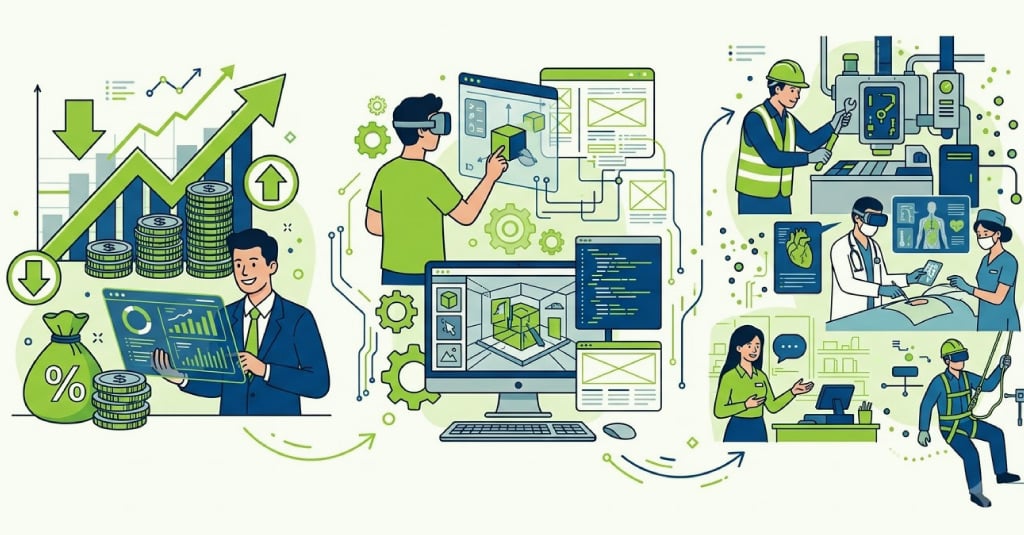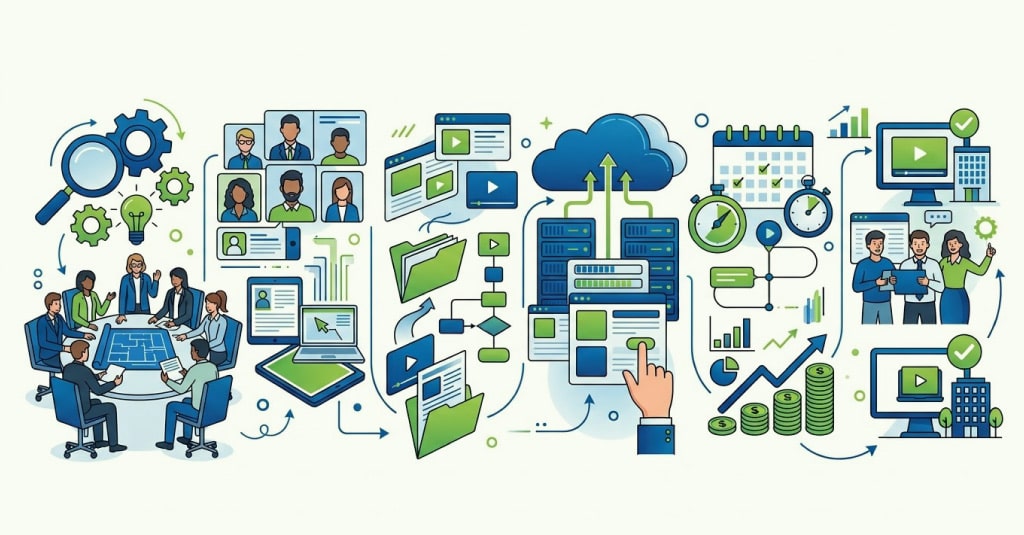




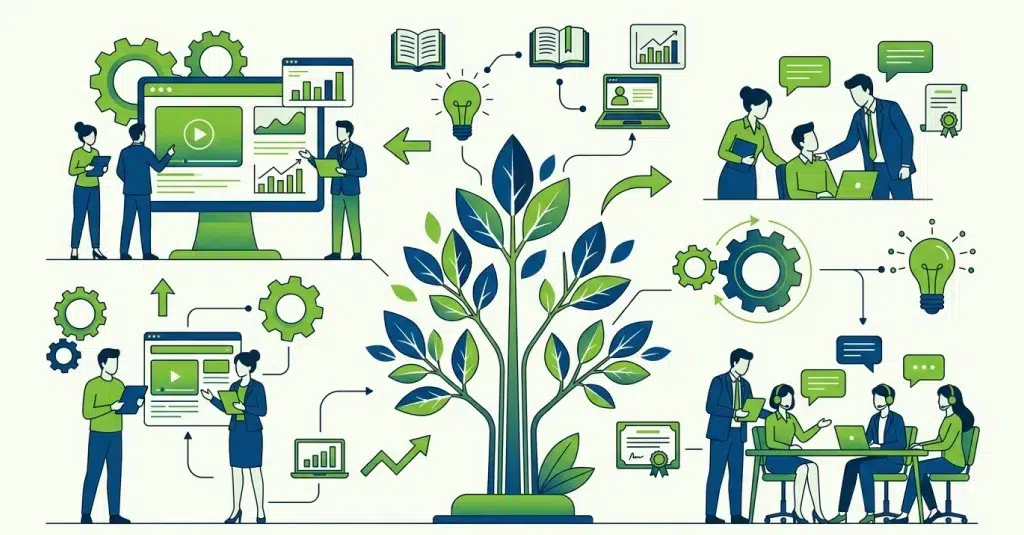
Instructional design best practices for enterprise L&D focus on reducing cognitive load, improving learner engagement, and supporting real-world performance. These practices help create training that employees can understand, retain, and apply. They include selecting the right design model. They also involve creating performance-based learning objectives and aligning training with business outcomes.
Most enterprise learning fails quietly. Courses get built, launched, and largely ignored. Learners click through modules to collect completion certificates. Meanwhile, the business sees little to no measurable improvement in performance.
In many cases, the problem is not the content itself. The real issue is poor instructional design. Without a clear strategy, enterprise training becomes content that learners simply click through. They fail to apply it in real work situations.
For enterprise L&D teams managing large-scale learning across multiple roles, departments, and geographies, getting this right is essential.
Here is what effective instructional design looks like in practice.

Instructional Design Models: ADDIE, SAM, and Agile for Enterprise Learning
Many enterprise teams use ADDIE because it is familiar and easy to follow. But one model does not fit every training project. The right choice depends on project complexity, available time, and how often content changes.
When ADDIE Works Best
ADDIE works well for stable and high-stakes training. This includes compliance programs, onboarding, and technical training. Its structured approach supports detailed reviews and formal approvals. It also helps ensure content is accurate and consistent.
Where SAM Performs Better
The Successive Approximation Model (SAM) works better when project needs are likely to change. It focuses on quick prototypes and early feedback. This helps teams find gaps sooner and avoid spending too much time on the wrong approach.
SAM is especially useful for organizations building custom eLearning programs for the first time.
Applying Agile Instructional Design
Agile instructional design uses short development cycles, continuous feedback, and faster releases. It works well for fast-changing training needs such as sales enablement, leadership development, and product training.
Many enterprise teams combine multiple models in practice. They use ADDIE for structure while applying Agile or SAM-style iteration during development.

Cognitive Load in Enterprise eLearning: What Poor Instructional Design Costs Learners
Cognitive load theory explains that working memory has limits. Poor course design can overwhelm learners. This can happen before meaningful learning even begins.
Common Cognitive Load Mistakes in Enterprise Training
Many enterprise courses include:
- Overloaded screens
- Inconsistent navigation
- Unnecessary animations
- Redundant audio narration
These distractions make learners focus on the interface instead of the content. As a result, retention and engagement can drop.
What Effective Cognitive Load Design Looks Like
Good learning design makes content easier to process.
This includes:
- Breaking information into smaller sections
- Using supportive visuals
- Keeping navigation simple and consistent
For example, frontline employees using tablets between shifts need fast, task-focused guidance, not animation-heavy courses.
Cognitive load is not just about content volume. It is about designing learning experiences that fit real working conditions.

Effective Instructional Design: Designing for Application, Not Comprehension
Many L&D teams design courses around what learners should know by the end of training. Businesses care about something different. They want employees to apply learning effectively in real work situations.
That gap between knowing and doing is where many learning programs fail.
Writing Learning Objectives That Support Performance
When instructional design focuses only on comprehension, learners may pass assessments. But they can still struggle to apply that knowledge on the job.
Designing for application starts with the performance outcome. Instructional designers need to identify what learners must do and the decisions they need to make.
For example, “Understand our escalation policy” is vague. “Applying the correct escalation path for a Level 2 customer complaint” creates a clear and measurable objective.
Using Scenario-Based Learning and Custom eLearning Design to Drive Application
Scenario-based learning helps learners apply knowledge more effectively.
Employees practice handling situations like customer complaints, compliance decisions, or operational issues. They do this in a safe learning environment.
Effective scenario design also requires close SME collaboration. Designers need a clear understanding of what successful workplace performance looks like.

SME Management in Instructional Design: Getting the Right Knowledge Without Overloading Learners
Subject matter experts are essential to effective learning design. However, without proper structure, SME input can quickly overwhelm the course experience.
Why SMEs Often Over-Contribute
SMEs understand their subject deeply. But they may not always know what learners actually need to learn.
As a result, courses often become overloaded with technical details, edge cases, and unnecessary explanations. The instructional designer’s role is to prioritize content based on performance needs, not completeness.
Asking Better Questions During SME Interviews
The quality of SME input depends on the questions being asked.
Instead of asking SMEs to explain an entire topic, focus on workplace performance. Ask what new hires struggle with most. Identify what high performers do differently. Understand which decisions are difficult in real work situations.
These insights help instructional designers create learning based on real performance challenges. This is more effective than overwhelming learners with information-heavy content.

Storyboarding and Prototyping in eLearning Content Development: Why Skipping Them Is Costly
Many enterprise L&D teams skip storyboarding to save time. In reality, it often creates bigger delays later in the project.
Updating a storyboard takes minutes. Updating a developed course can take days and may require rebuilding interactions, re-recording narration, and re-testing the course.
What a Storyboard Actually Does
A storyboard helps teams align before eLearning development solutions move into production.
It allows instructional designers to structure content flow and interactions early in the process. It also gives SMEs a simple way to review content accuracy before production starts.
For developers, storyboards reduce confusion and interpretation errors.
Different formats work for different projects:
- Plain text storyboards support quick reviews
- Visual storyboards work better for branching scenarios and animations
- Detailed storyboards help large teams stay aligned

When Prototyping Becomes Essential
Storyboards explain the learning experience. Prototypes test whether the experience actually works.
Even a simple prototype can reveal usability issues that internal reviews may miss. Learners may misunderstand navigation. They may skip sections or interpret scenarios differently than expected.
Testing with a small group before full development helps teams find problems early. It can also reduce costly revisions later.

Accessibility and Global Learner Variance: The Instructional Design Factors Most Enterprise Teams Miss
Many organizations still see accessibility as a compliance requirement. They do not treat it as a core design principle. As a result, the focus often remains on audits rather than on the learner experience.
The bigger challenge is designing for global learner variance.
A course that works for a senior manager in London may not work the same way for a frontline supervisor in Indonesia. Employees may be learning in a second language, using low-spec devices, or completing training between shifts.
Common Assumptions That Create Learning Barriers
Many enterprise courses assume employees:
- Learn at the same pace
- Use similar devices
- Have uninterrupted learning time
- Share the same workplace context
In global organizations, those assumptions rarely hold true.
Designing for Inclusivity from the Start
Accessibility should be part of audience analysis from the beginning, not a final review step before launch.
Instructional designers need to understand:
- Who the learners are
- How they access training
- What constraints affect the learning experience
When these factors shape the design process early, learning becomes more practical, usable, and effective across diverse teams.

How to Evaluate Instructional Design Quality Before Launch: A Pre-Live Checklist
Most pre-launch reviews focus on content accuracy, visual design, and LMS functionality. What often gets overlooked is the quality of the instructional design itself.
What an ID Quality Review Should Check
A strong instructional design review should answer a few key questions:
- Are the learning objectives clear and measurable?
- Do assessments test the intended outcomes?
- Does the content flow support learner understanding?
- Are interactions meaningful or just added for engagement?
Many enterprise courses include interactions that increase clicks without improving decision-making or skill application.
Why Pilot Testing Matters More Than Internal Reviews
Internal reviews rarely catch real usability or learning issues. Pilot testing with actual learners is far more effective.
Even a small group of learners can reveal:
- Confusing navigation
- Unclear instructions
- Weak scenarios
- Content gaps
The most valuable evaluation happens after launch. Enterprise teams should measure whether the training actually improved performance or reduced the targeted skill gap.

Key Takeaways
- Choose the right ID model based on project complexity and content stability.
- Reduce cognitive load with clear, focused, and structured learning experiences.
- Design learning objectives around actions and performance outcomes.
- Curate SME input based on learner needs, not content volume.
- Use storyboards and prototypes to reduce costly revisions later.
- Test courses with real learners before large-scale rollout.
- Measure performance improvement, not just course completion rates.
The difference between enterprise L&D teams that earn long-term credibility and those that struggle to prove value often comes down to instructional design.
High-performing organizations treat learning design as a strategic discipline that drives measurable outcomes. Others treat it as a production step between having content and launching a course.
Upside Learning provides custom eLearning design and development focused on performance outcomes, not content volume.
If your organization is rethinking its approach to enterprise learning content development, connect with our team.

Frequently Asked Questions
Custom eLearning for oil and gas improves safety outcomes because it is designed around site-specific risks, workforce roles, equipment, and emergency procedures. Unlike generic safety training, custom programs reflect real operating conditions, helping workers make better decisions in high-risk environments. This leads to stronger compliance, improved knowledge retention, and measurable incident reduction.
No. Custom eLearning works best when combined with practical safety drills. Scenario-based eLearning prepares workers for emergencies through digital simulations, while hands-on drills reinforce physical response procedures. A blended learning approach improves decision-making, emergency preparedness, and long-term retention more effectively than either method alone.
Offline-first eLearning allows workers to complete training without internet connectivity. Course progress, assessments, and completion records are stored locally on the device and automatically synced with the LMS once connectivity is restored. Many oil and gas companies use xAPI-based eLearning because it provides more reliable offline tracking than traditional SCORM systems.
The most effective oil and gas safety eLearning modules are typically between 8 and 15 minutes long for frontline workers. Shorter microlearning modules of 3 to 7 minutes work well for refresher training, toolbox talks, and procedural updates. Keeping modules concise improves completion rates, engagement, and knowledge retention in shift-based work environments.
An oil and gas LMS should support offline learning, xAPI tracking, multilingual content delivery, mobile accessibility, competency mapping, certification tracking, and audit-ready reporting. These features help organizations manage compliance and workforce training across remote operations.
Yes. Mobile-friendly eLearning allows offshore and field workers to access safety training on tablets and handheld devices in remote environments. Responsive design, offline access, and glove-friendly navigation improve usability and training completion rates.